U.S.-based people answer the phone, weekdays 7am to 6pm MT.

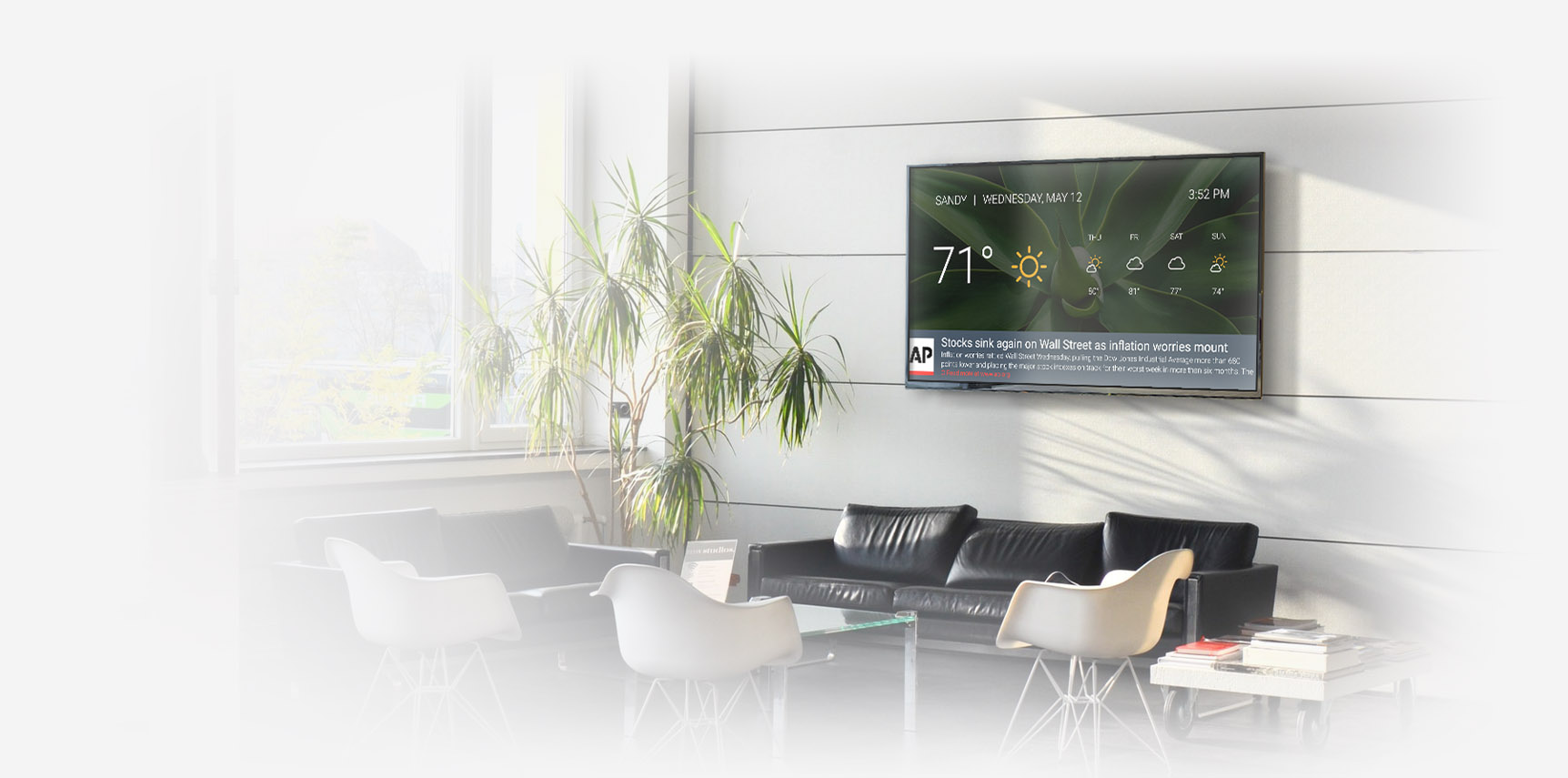
What actually makes the difference
Anyone can put something on a screen. Almost nobody keeps it working.
Every signage vendor demos the same thing: content appearing on a TV. That part is solved. What separates a screen people actually stop and read from one they walk past is everything that happens in the eighteen months after the install.
The four things that decide it
01 — 04
Signage does not fail at the install. It fails at month three.
Fourteen years of screens in restaurants, plants, clinics and branches, and it is always the same four things.
01
Somebody owns it
A screen with no named owner goes stale. That is not a discipline problem, it is a software problem: if publishing takes twenty minutes, nobody does it twice.
02
It never goes dark
One black screen in a lobby undoes a year of good content. Offline cache, signage-only firmware and remote recovery separate a display from a liability, and none of them show up in a demo.
03
The right room, the right hour
A breakroom is not a lobby, and 8 AM is not the lunch rush. Screen groups and dayparting put each message where and when it earns attention, instead of one loop everywhere.
04
A person answers
Every deployment hits something the documentation does not cover. Whether that costs you an afternoon or a quarter comes down to one thing, and it is the one thing no feature grid measures.
Try it before you buy anything
1-801-852-9898Call right now and ask a hard question. Weekdays 7am to 6pm MT. You will not reach a menu.
Take this to any vendor
Ten questions
Ten questions that separate the vendors.
Ask us and ask everyone on your shortlist. The answers will tell you more than any feature grid. Ours are in the right column.
01
Who answers when a screen goes dark on a Saturday?
A U.S. specialist on the phone, weekdays 7am to 6pm MT, with your account already open.
02
What happens to the screen when the internet drops?
It keeps playing from 64GB of local cache. Nobody in the lobby notices.
03
Can I fix a stuck player without sending someone to the site?
Yes. Reboot, resync, update and power commands are remote.
04
Is the device also a browser, an app store and a login prompt?
No. It runs signage firmware only, so it cannot wander off task.
05
What does support cost after the first year?
Nothing. Unlimited phone support and training are in every plan.
06
How many users can manage the screens?
Unlimited, with permissions. Store managers are not a line item.
07
Who owns the hardware at the end of the term?
You do. The player is $249 once and it is your asset.
08
What is the price when we go from ten screens to two hundred?
The same, if you take a multi-year agreement. The rate is locked.
09
Who builds the content when my team runs out of time?
In-house designers on staff, not an agency billing hourly.
10
What happens in month three when nobody has updated it?
Your rep notices and calls. That check-in is the whole product.
Head to head
What you are actually choosing between.
Three ways to put content on a screen. Only one of them stops being your problem after the install.
The question
truDigital
Stick-based platforms
Enterprise suites
What runs the screen
Purpose-built signage player, $249 once
Consumer streaming stick
Proprietary player, often leased
When the internet drops
64GB cache keeps playing
Usually a black screen
Varies by tier
Who fixes a stuck screen
Remote command from the cloud
Someone drives to the site
Ticket, then a field visit
Support model
Unlimited U.S. phone, included
Email tickets, business hours
Paid support tier
Training
Unlimited sessions, every hire, $0
Docs and videos
Paid onboarding package
Users
Unlimited, permissioned
Often per-seat
Per-seat licensing
Contract
Annual, multi-year optional
Monthly, price changes
Multi-year, negotiated
Getting started
Scheduled training and your first playlist built with you
Docs and a login
Formal onboarding project, months long
Content help
In-house designers, on staff
Template library only
Agency, billed hourly
Multi-location control
Campaigns, with local overrides
Manual per screen
Available on top tiers
Who you talk to
The same named rep, for years
Whoever takes the ticket
An account manager, on rotation
Category comparison based on publicly published pricing and support terms across the digital signage market. Ask us on a call and we will walk your specific shortlist line by line.
We would rather quote the problem than post a number.
Twenty minutes on the phone and you will know what it costs, what it replaces, and what it saves you in labor.
Get real pricing and a real person.
Tell us how many screens you have. We'll send a quote and a 20-minute walkthrough of your industry's templates, no obligation.
Or call 1-801-852-9898