Restaurant Digital Signage Upgrade: An IT Director's Guide
Planning a restaurant digital signage upgrade? See what IT directors should require, how to build the business case, and how to replace screens risk-free.
Every restaurant IT director eventually inherits the same problem: a wall of menu screens that nobody wants to touch. Some run off USB sticks a manager updates when they remember. Some are tied to a media player that stopped getting firmware updates two years ago. One location is still showing last summer's limited-time offer because the only person who knew the login left. The screens technically work, but the system behind them has become a liability.
If you are responsible for the technology across one or more restaurants or bars, a restaurant digital signage upgrade is rarely about buying nicer TVs. It is about replacing a fragile, hard-to-support setup with a platform your team can secure, monitor, and scale without adding headcount. This guide walks through how to evaluate your current system, what to require from new restaurant digital signage software, and how to run the replacement without disrupting service.
Signs Your Restaurant Digital Signage Needs an Upgrade
Most legacy deployments do not fail all at once. They decay. Before you build a business case, document where the current system is costing you time, money, or risk. The most common warning signs IT teams report include:
- Manual content updates. If price changes or 86'd items require someone to physically visit a location, swap a USB drive, or remote into a player one at a time, your menu accuracy depends on luck.
- Unsupported hardware. Media players running outdated operating systems or end-of-life firmware are a security gap on your network, especially if they sit on the same segment as POS terminals.
- No visibility into screen status. If you learn a drive-thru board is dark only when a guest or district manager complains, you have no monitoring.
- Shared or orphaned logins. A single admin password passed between managers makes it impossible to control who changed what, and when.
- Vendor friction. Slow support tickets, per-change design fees, or a provider that no longer develops its product all push the total cost of ownership up year after year.
If three or more of these sound familiar, the question is no longer whether to replace the system but how to do it cleanly.
What IT Directors Should Require in Restaurant Digital Signage Software
Marketing will care about how the menus look. Operations will care about how fast they can push an update. Your job is to make sure the platform underneath is supportable for the next five to seven years. Use the requirements below as a baseline when comparing vendors.
Cloud-Based Management With Role-Based Access
A cloud-based digital signage CMS removes the need to manage on-premises servers or remote into individual players. Look for granular user roles so a general manager can update a daily special at one location without the ability to change brand-wide menu boards or delete content at another store. Every change should be attributable to a named user.
Centralized Multi-Location Control
Even if you operate a handful of locations today, choose a platform built for many. You should be able to group screens by location, region, daypart, or screen type (menu board, drive-thru, bar TV, lobby promo) and push content to any combination in one step. This is what turns a chain-wide price change from a week-long project into a five-minute task.
Device Monitoring and Remote Troubleshooting
Ask every vendor to show you how they surface offline or unhealthy players. At a minimum you want online/offline status for every screen, alerts when something drops, and the ability to restart or re-sync a player remotely. Fewer truck rolls and fewer "can you power-cycle the box behind the TV" calls are some of the fastest returns on an upgrade.
Integrations and Dynamic Content
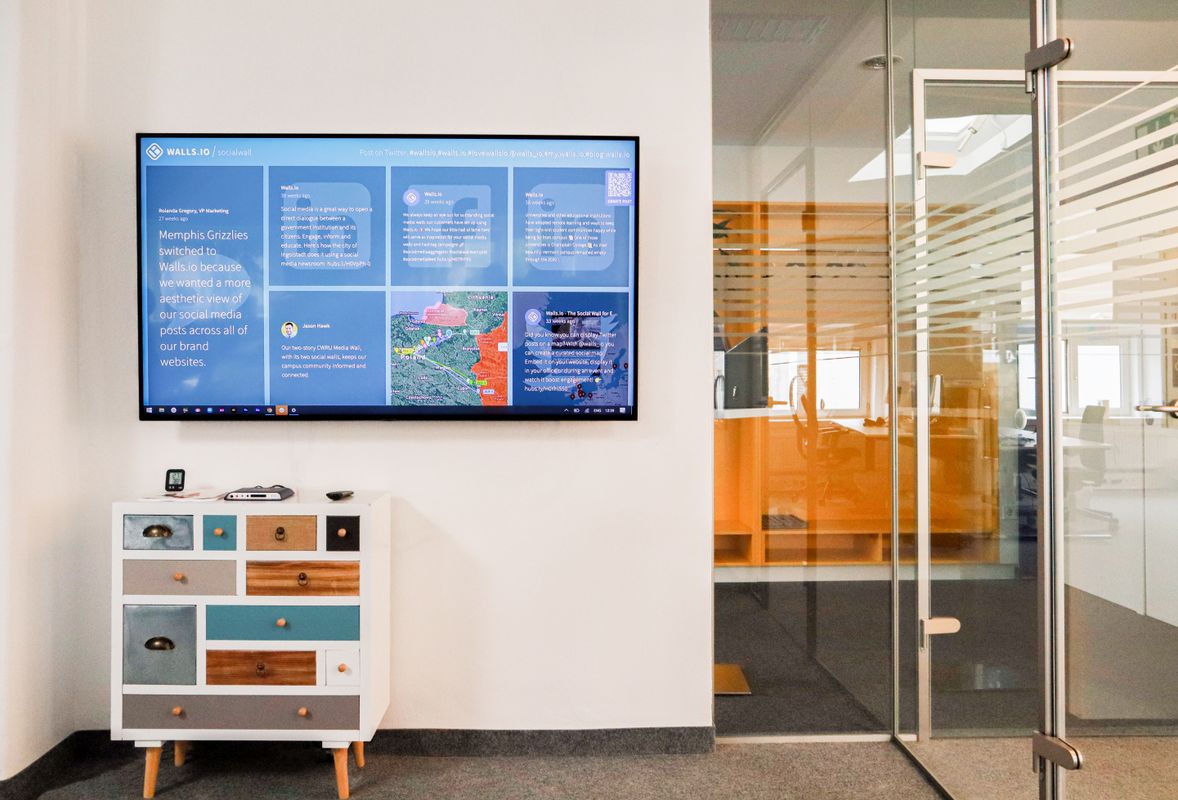
Static images are the minimum. Modern restaurant digital menu boards should support dayparting (breakfast, lunch, happy hour, late night) on a schedule, live data feeds, and apps such as social walls, weather, and sports scores for bar environments. truDigital includes 500+ templates and apps, so your team is not stuck building every layout from scratch or paying a designer for each seasonal change.
Hardware Flexibility
A digital menu board replacement does not always require new displays. Commercial-grade screens that are still in good condition can often be reused with a new media player, which keeps the capital cost of the project down. Favor platforms that support a range of players rather than locking you into proprietary hardware.
Building the Business Case for a Restaurant Digital Signage Upgrade
Finance and leadership will want to see more than "the old system is annoying." Frame the upgrade in terms they already track:
- Labor hours saved. Estimate the time managers and IT currently spend on manual updates, site visits, and troubleshooting per month, then multiply across locations.
- Menu accuracy and compliance. Outdated prices or missing calorie information create guest friction and, in some jurisdictions, regulatory exposure. Centralized publishing reduces both.
- Revenue from dynamic promotion. Daypart-based menus and timed promotions let marketing push high-margin items at the right moment. Our guide on how digital signage boosts restaurant sales covers the revenue side in more detail.
- Risk reduction. Replacing unpatched players and shared credentials closes real security gaps on your restaurant network.
Be honest about cost, too. Licensing is only one line item. Include installation, any new players or mounts, content migration, and training. For a deeper breakdown, see the real cost of digital signage beyond the screen price.
A Low-Risk Plan for Replacing Your Current System
The biggest fear with any replacement is breaking menu boards in the middle of a lunch rush. A phased rollout keeps that risk near zero.
1. Audit Every Screen and Player
Build an inventory: location, screen purpose, display make and model, player type, network connection, and who currently updates it. This audit tells you what hardware can be reused and where your biggest support headaches live.
2. Rebuild Content Before You Cut Over
Recreate your menu boards and promotional loops in the new platform first. Starting from proven restaurant templates speeds this up considerably and gives you a chance to clean up years of inconsistent layouts across locations.
3. Pilot at One or Two Locations
Choose one high-volume store and one that has historically had the most issues. Run the new system there for two to four weeks, gather feedback from managers, and confirm that monitoring, scheduling, and user permissions work the way you expect.
4. Roll Out in Waves and Schedule Cutovers After Close
Swap players during closed hours, and keep the legacy content available as a fallback until each location is verified. Document the process once so every subsequent wave goes faster.
5. Train by Role, Not by Feature
Managers only need to know how to update local specials and check that screens are live. Marketing needs scheduling and template tools. IT needs device management and user administration. Short, role-specific training keeps adoption high.
Restaurant and Bar Use Cases Worth Planning For
An upgrade is the right moment to expand what your screens do, not just replicate the old setup. Common additions include:
- Daypart menu boards that switch automatically from breakfast to lunch to dinner without staff intervention.
- Bar and happy hour promotions that run only during the hours they apply, alongside live sports scores.
- Drive-thru and pickup boards highlighting combos, upsells, and online order pickup instructions.
- Back-of-house screens for food safety reminders, prep instructions, shift announcements, and staff recognition.
- Lobby and wait-area content promoting loyalty programs, catering, gift cards, and seasonal items.
You can explore more examples on our restaurant digital signage solutions page.
Why IT Teams Choose truDigital for Restaurant Upgrades
truDigital was built for organizations that need control and simplicity at the same time. Our cloud-based CMS lets you manage every screen from one dashboard, with role-based permissions, scheduling, and real-time device status. Teams get access to 500+ templates and apps to launch professional menu boards quickly, and multi-location management makes it easy to roll out a chain-wide change in minutes instead of days.
Just as important for IT, every customer gets unlimited US-based support. When you are migrating dozens of screens, having a real person who knows the platform answer the phone makes the difference between a smooth cutover and a long weekend. You can review the full platform on our features page.
Ready to Replace Your Restaurant Digital Signage?
If your current menu boards are harder to support than they should be, it is time to see what a modern platform looks like. A short walkthrough will show you how truDigital handles multi-location control, monitoring, and migration from your existing system, so you can build a clear plan for your restaurants and bars.
Request a demo of truDigital today and see how simple your next restaurant digital signage upgrade can be.
See it in Action
Get a free, no-pressure demo of our unique platform and find out how it can transform your business.